
Dirt Town Controls: What Every Cab Button Does
Dirt Town controls: the shared gear-range system, the dozer's float and auto-level toggles, the loader's hook and haulers' work lights.
Dirt Town's controls are built around a small shared layer and a per-machine layer on top of it. Every cab has numbered ranges with a live speed readout, and every cab adds its own toggles — float and auto-level on the dozer, hook on the loader, work lights on the hauler. The in-cab panel always lists the current binding for whatever you are sitting in, so this page explains what each control does and where to look when a build changes. If you are still choosing a machine, start with the beginner guide→.
- Ranges are gears, not a throttle — pick a range, then drive.
- Toggles do the skilled work — float, auto and offset are on the dozer for a reason.
- The panel is the source of truth — bindings move between builds.
The shared layer: ranges and the readout
All four machines use the same range system: number keys pick a range, and the panel shows the current range and the speed it caps at. The values in the official store art are 14.0 m/s in range 4 for the wheel loader and the hauler, and 1.8 m/s in range 2 with 2.6 m/s in range 3 for the dozer. Range 1 is your working gear — bucket work, blade work, tight pads — and the top range is for empty runs.
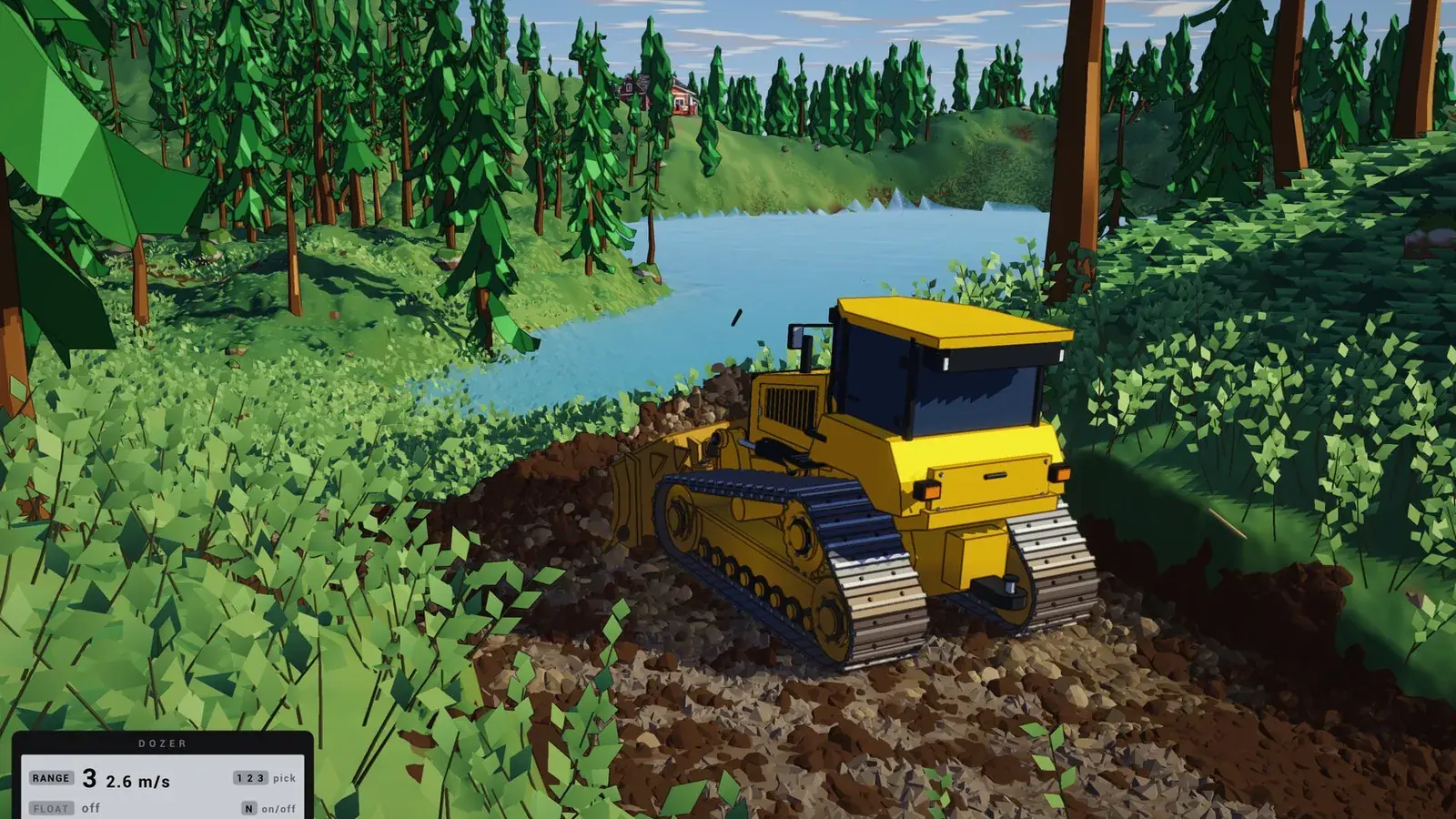
The reason this matters more than it sounds: the game reads your speed as intent. Come into a pile in top range and you bounce; come in at range 1 and the bucket fills. The full technique per machine is on the wheel loader guide→ and the hauler guide→.
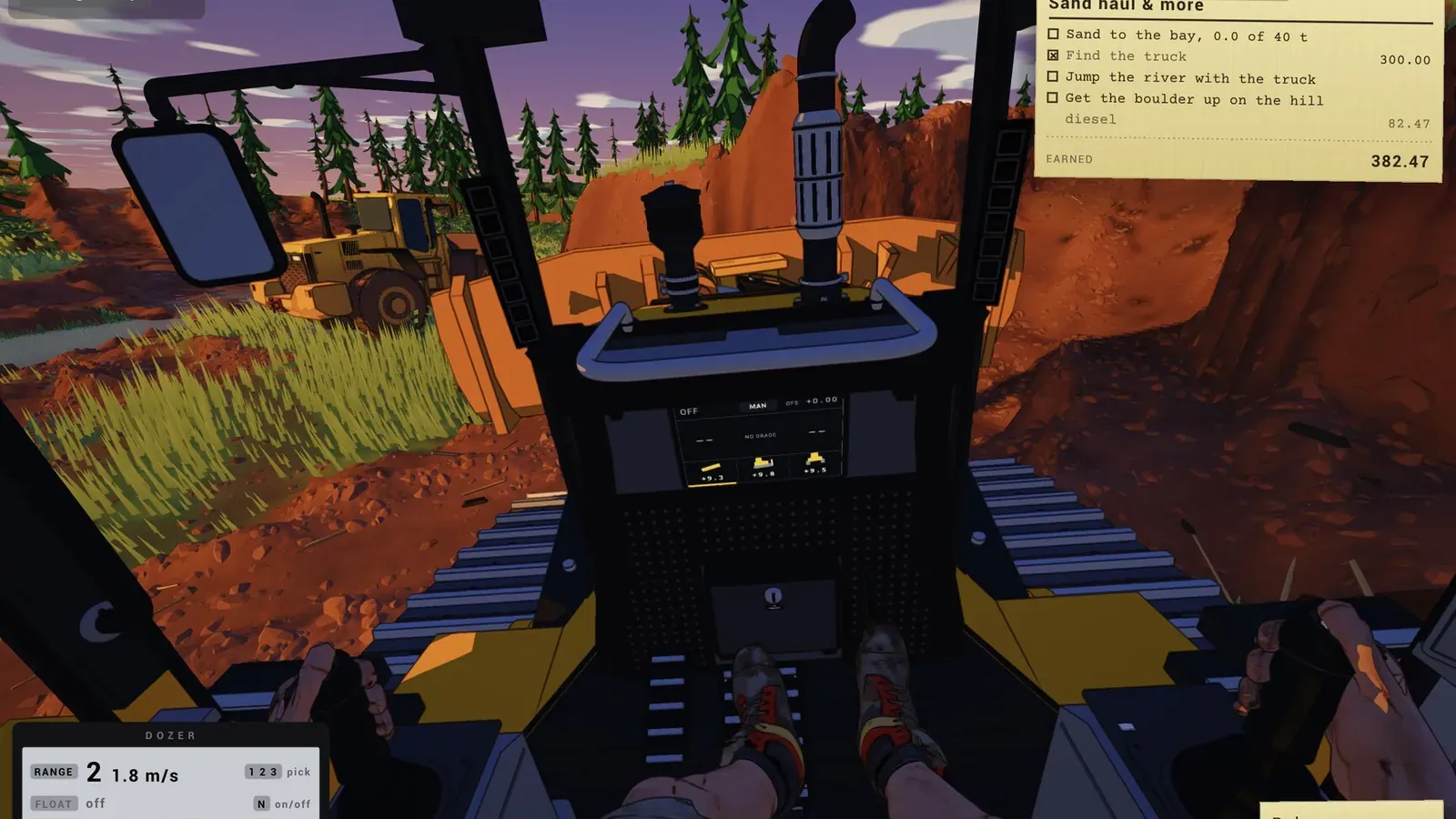
Dozer controls: float, auto, mode, offset
The dozer has the deepest control set of the four, because grading is the one job where the machine has to hold an abstract idea — a slope — rather than just move dirt.
| Toggle | What it does | When to use it |
|---|---|---|
| Float | Blade follows the ground instead of cutting | Finishing a surface you already cut |
| Auto | Holds a set slope or curve for you | Long grades and sweeping bends |
| Mode | Changes how the blade responds | Switching between cutting and spreading |
| Offset | Shifts the blade angle in increments | Cutting a cross-fall for drainage |
The sequence that works: cut with auto off, set auto for the grade, then finish in float. Offset is the one people forget — a road built perfectly flat will hold water, and a shallow cross-fall is what stops the puddles forming where the hauler's tyres run. The dozer guide→ covers the order in detail.
Engine sound is a control. In low range under load the machine labours audibly before it stalls; if you cannot hear the difference, turn the music down and keep the engine up.
Loader and hauler controls
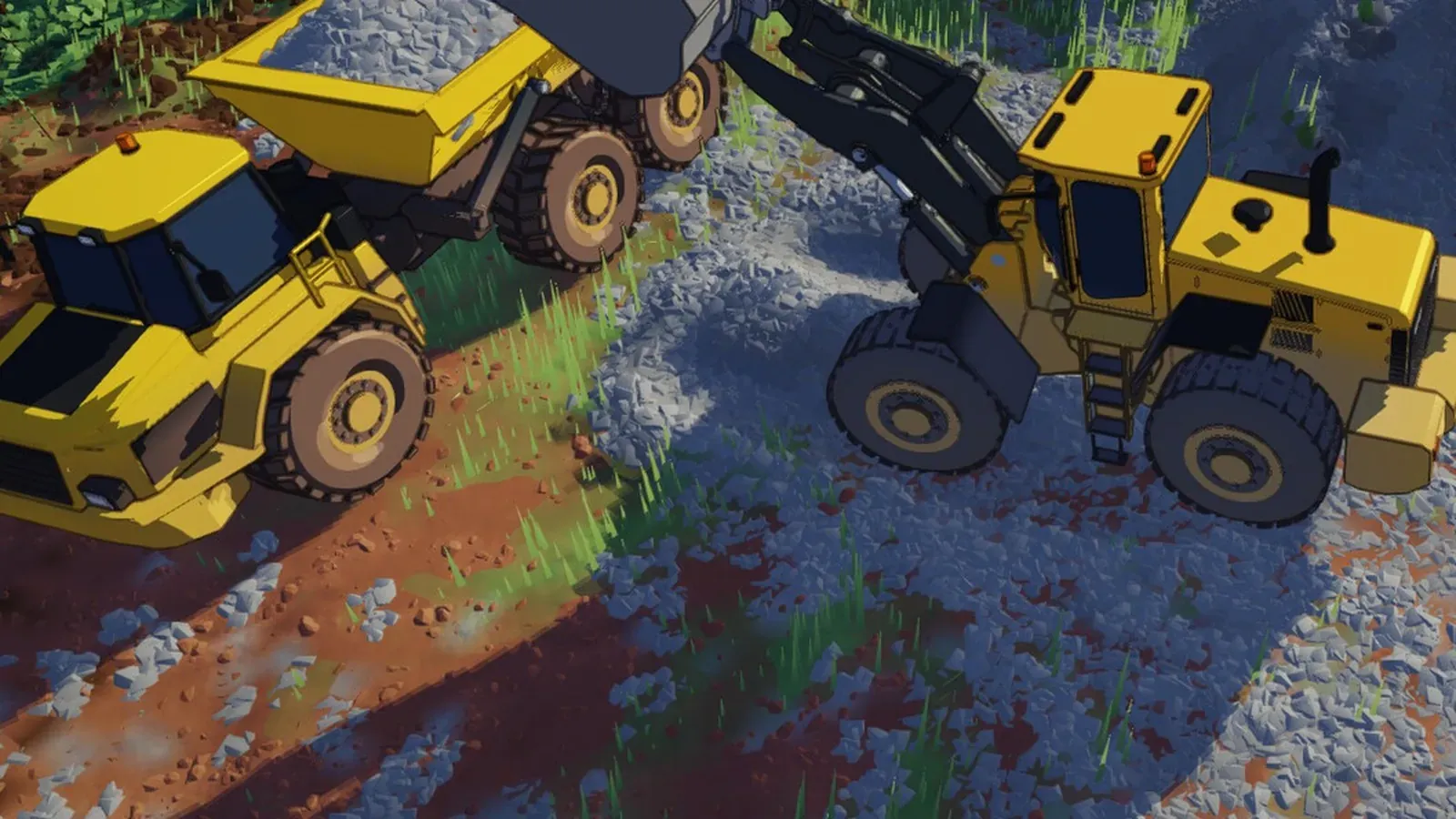
The wheel loader adds a hook toggle and a pick action. Hook connects or releases an attachment, and pick selects which one you are working with when you carry more than one. Gamepad players see the same two functions as a right stick direction and a face button, which is why the panel shows different glyphs on different setups.
The hauler is the simplest cab: ranges, a work light, and the bed. Tip on level ground, and tip while rolling forward slightly if the load is wet and sticky — a bed that empties in one motion saves you a shovel-and-bucket cleanup at the pad.
Do not tip a loaded hauler on a side slope. The bed goes up, the centre of gravity goes with it, and the truck goes over. Level the pad first.
Excavator controls
The excavator behaves like a conventional tracked digger: boom, stick and bucket on the sticks, with the attachment hook on top. Its cab panel follows the same range-plus-toggle layout as the others, and the machine is the only one where you regularly work without moving — which is why the control skill is in the swing, not the drive.
Two habits transfer from real machines and work here. Keep the bucket curled while you swing so material does not spill over the back, and track the machine backwards when you are finished at a face so the spoil pile does not block your exit.
On foot, in the cab, and on a gamepad
You are not glued to a seat: you can get out, climb the terrain and climb the machines. The prompt panel changes with context, so the reliable way to learn a new interaction is to stand next to it and read the panel rather than guess a key.
Dirt Town lists partial controller support, and the community reports working gamepads, joysticks and wheels. The panel glyphs switch to match the device you last touched, which is a useful tell when a binding seems to have stopped working.
Official source: Dirt Town store page ↗ — in-cab panels, controller support and machine list. Official source: Dirt Town Demo on Steam ↗ — the free demo is where most players learn these controls.
FAQ
Can you remap Dirt Town controls? The demo build exposes input settings, and the store lists partial controller support. Because the game is in Early Access, treat any specific binding as movable and check the in-cab panel after each update.
Why does my dozer keep digging in when I want to smooth? Float is off. Float lets the blade ride the surface instead of cutting, and it is the correct mode for finishing passes.
Does Dirt Town work with a steering wheel? The store page mentions support for gamepads, joysticks and wheels, but mapping varies by device. Test in the free demo before you build a setup around it.